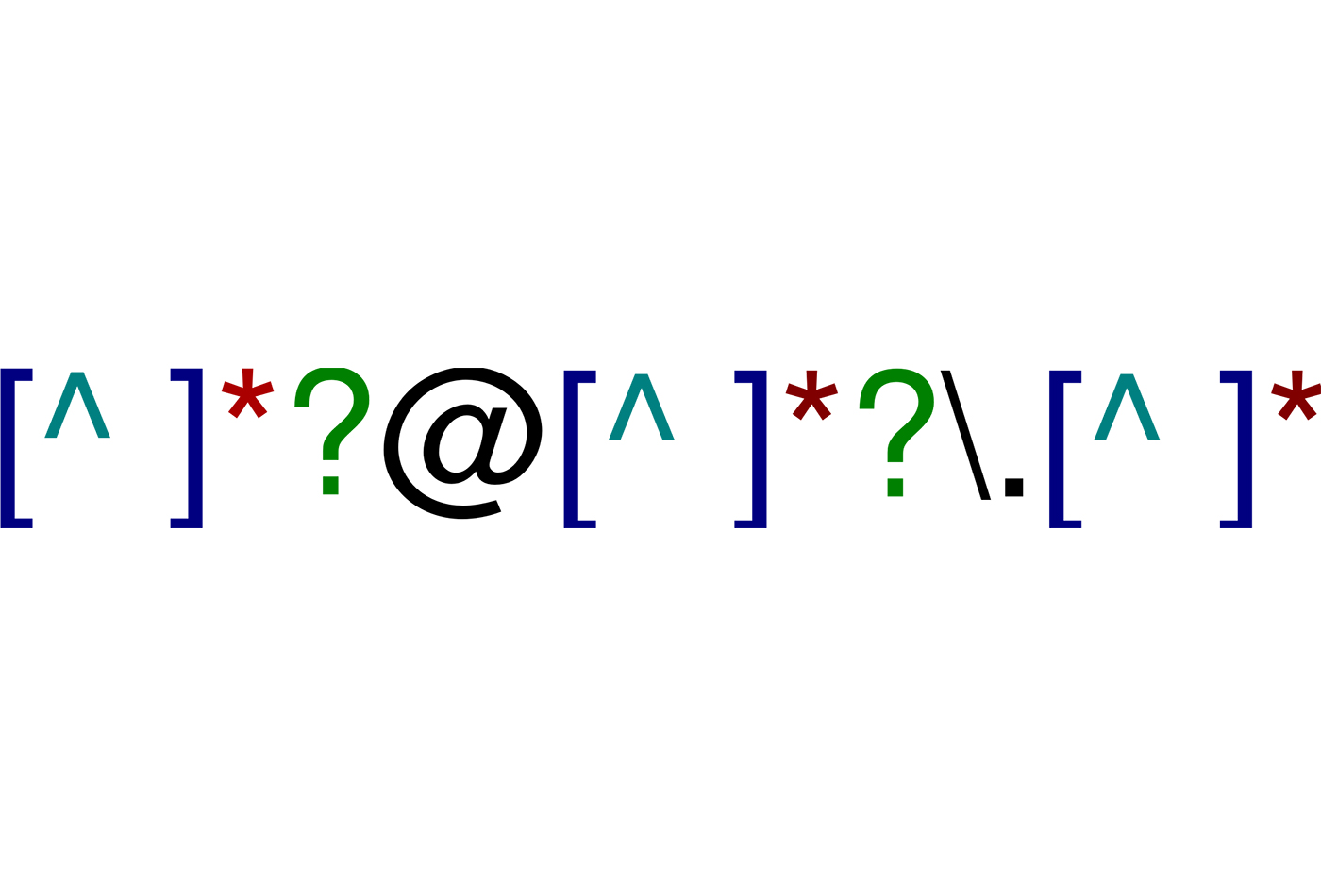
Regular expressions (often shortened to regex) are a way to look for matching patterns in any text. We can use the pattern to determine where the pattern appears in the text, or to do more sophisticated things like replacing patterns in text.
Page Contents
- Patterns
- Matching Patterns in Python
- Naming Groups
- Iterating through Matches
- Replacing
- Extracting Integers from AoC Input
- More Examples
- Examples
Patterns
A pattern is something we want to match within a string. Patterns can be simple, or complex. Patterns include the text we want to look for, along with metacharacters which have special meanings.
Check out this tutorial for a guide on how to build patterns.
Then, make a note of the awesome regexr.com, which is a great place to test and build your regular expressions. It also includes some really useful cheat sheets and references.
Matching Patterns in Python
Python provides a built-in library for working with regular expressions, called re. This will generally be good enough for most of our regular expression needs in Python. However, there are some niche cases where you want to do stuff that re doesn’t offer. In this case, try out the third party Python regex module, which is basically re on steroids. E.g. finding overlapping pattern matches.
In general, the approach to regex in Python is to compile the pattern, and then use one of handful of methods to apply the pattern to a string or strings.
For example:
import re

# Assume we've loaded in some multiline text data into the variable `data`

# We want to match rows of data that looks like: 5-7 z: qhcgzzz
# We want to obtain 5, 7, z, and qhcgzzz as four separate variables
matcher = re.compile(r"(\d+)-(\d+) ([a-z]): ([a-z]+)")
for row in data:
    match = matcher.match(row)
    min_val, max_val, policy_char, token_str = match.groups()
Here:
- We wrap the pattern with
r"regex", to avoid any need for convoluted escape characters. Therprefix turns thestrinto Python’s raw string format. In short, it’s just a good idea to always pass patterns in this raw format. - The
match(row)method looks for the pattern within the text calledrow. In particular, thematch()method will look for the match from the beginning of the line of data. - If we want to look for the pattern at any position in the data, we should use
search()instead ofmatch(). - If
match()orsearch()are successful, they return amatchobject. If not, they returnNone. - The regex pattern itself is split into several groups, by wrapping each group within parentheses, i.e.
(group). When we call thegroups()method against any successfulmatchobject, this returns a tuple of the four groups in our regex pattern.
It can be useful to perform assignment at the same time as checking if match object was returned. For example, here we will only enter the if block if a match was found. If a match was found, then the match object will have been assigned to the variable called match:
    if match := matcher.match(row):
        # do stuff with match object
We don’t have to compile the pattern in advance. For example, we can do this:
# We're looking for data like... "25,50 -> 30,600"
for line in data:
    x1, y1, x2, y2 = map(int, re.match(r"(\d+),(\d+) -> (\d+),(\d+)", line).groups())
    lines.append(Line(x1, y1, x2, y2))
Here, we’re:
- Calling
match()againstre, rather than against a precompiled pattern. - We’re returning the four groups in the pattern.
- We’re mapping all four groups from
strtype tointtype, since we expect the data to always be numeric. - We use the four numbers - which are two pairs of x,y coordinates - to create a Line object.
Including Optional Matches
Imagine that the numbers above might contain negative values. This update to the regex expression will allow us to capture both positive and negative values:
for line in data:
    x1, y1, x2, y2 = map(int, re.match(r"(-?\d+),(-?\d+) -> (-?\d+),(-?\d+)", line).groups())
    lines.append(Line(x1, y1, x2, y2))
Naming Groups
We can actually name groups in the regex pattern itself. Then, instead of calling groups() on a match object, we can instead call groupdict(). This returns a dictionary, where the keys are the names of the groups, and the values are the string values from the match.
Compare these two approaches:
import re

test = "John Smith"

# First, just using groups() and then unpacking the tuple
name_pattern = r"(\w+) (\w+)"
if (match := re.match(name_pattern, test)):
    first_name, last_name = match.groups()
    print(f"Unpacking groups(): {first_name}, {last_name}")

# Now, using named groups and returning a dict
name_pattern = r"(?P<first>\w+) (?P<last>\w+)"
if (match := re.match(name_pattern, test)):
    name_dict = match.groupdict()
    print(f"Using groupdict(): {name_dict['first']}, {name_dict['last']}")
Output:
Unpacking groups(): John, Smith
Using groupdict(): John, Smith
Even more usefully, we can actually embed Python variables within the pattern string. You can see how this can be useful if using groupdict():
test = "John Smith"

first_name_grp = "first"
last_name_grp = "last"
name_pattern = rf"(?P<{first_name_grp}>\w+) (?P<{last_name_grp}>\w+)"
if (match := re.match(name_pattern, test)):
    name_dict = match.groupdict()
    print("Using groupdict() with variables in the pattern: "
         f"{name_dict[first_name_grp]}, {name_dict[last_name_grp]}")
Note how we’re prefixing the pattern string with both r to make it raw, and f in order to use f-string interpolation, i.e. so that we can reference variables like {first_name_grp} within the string.
Iterating through Matches
The finditer() function is useful for iterating over non-overlapping matches of a regular expression pattern within a given string. Its first parameter is the pattern to search for, and the second is the string to search. It returns an iterator that produces match objects for each match found.
For example:
import re

text = "Hello, Mycroft! Mycroft is a hunky cat."

pattern = r"Mycroft"

matches = re.finditer(pattern, text)

for match in matches:
    print("Match found:", match.group())
    print("Start position:", match.start())
    print("End position:", match.end())
    print("Match span:", match.span())
    print()
Here is the output:
Match found: Mycroft
Start position: 7
End position: 14
Match span: (7, 14)

Match found: Mycroft
Start position: 16
End position: 23
Match span: (16, 23)
Replacing
Use the sub() method to replace occurrences of a match with a replacement string.
For example:
line = re.sub(r"(\d+)", r"RULE_\1", line)
Here, any number that we find is replaced by “RULE_” + number. E.g.
15 becomes RULE_15.
The trick to this is to use \n to reference the nth group in the preceding pattern.
This example turns any number n into X(n). E.g. 456 becomes X(456):
re.sub(r"(\d+)", r"X(\1)", input)
Here’s a more sophisticated example. It takes a string like:
= x yz | ab c
and replaces it with:
= ((x yz) / (ab c))
line = re.sub(r"= (.*) \| (.*)$", r"= ((\1) / (\2))", line)
Extracting Integers from AoC Input
Advent of Code puzzle inputs frequently contain structured or semi-structured lines where coordinates, dimensions, or instructions are peppered with words and punctuation. Writing brittle string splitting or bespoke regex groups for every line can quickly become tedious.
A canonical Python helper that extracts all integers into a list in one shot is:
import re

def extract_ints(text: str, *, negative: bool = True) -> list[int]:
    """Extract all integer values from a string of text.

    Args:
        text: Input string containing numbers interspersed with text or symbols.
        negative: If True, matches negative integers (e.g. -42). Defaults to True.

    Returns:
        List of parsed integers in order of appearance.
    """
    pattern = r"-?\d+" if negative else r"\d+"
    return [int(x) for x in re.findall(pattern, text)]
For example:
line = "Sensor at x=2389, y=-12003: closest beacon is at x=-500, y=998"
print(extract_ints(line))
# Output: [2389, -12003, -500, 998]

# Unpack directly into coordinate variables
sx, sy, bx, by = extract_ints(line)
This compact idiom handles positive and negative coordinates effortlessly and solves the parsing step for dozens of AoC days in a single line.
More Examples
Asserting the Match, and Mapping
INSTR_PATTERN = re.compile(r"(\d+),(\d+) through (\d+),(\d+)")

for line in data:
    match = INSTR_PATTERN.search(line)
    assert match, "All instruction lines are expected to match"
    tl_x, tl_y, br_x, br_y = map(int, match.groups())
Here we’re processing multiple lines of data. We’re looking for lines that contain something like:
4,14 through 6,16
- The four
(\d+)groups are used to capture each of the four numbers in the line. - We’re using an assert to validate that we found a match to our pattern in the current line. By including this assertion, we’re explicitly stating that we believe the input data is good. If any line fails to match the pattern, then the program will terminate with an
AssertionError. - We’re using the
groups()method to return the four groups as atuple. We’re then using tuple unpacking to unpack the tuple into four separate variables. - Finally, because we know the four variables are all numbers, we’re using the
map()function, to convert each variable from astrto anint. Here, themap()function is applying theint()function each member of the tuple that was passed in.
Using findall()
Here is another way to retrieve matches and their groups. Note how each line expects to return a single match, which is why we always index the return value of findall() with [0]. This match contains our four groups, as a tuple.
pattern = re.compile(r"(\d+),(\d+) through (\d+),(\d+)")
print("\nUsing findall with existing pattern:")
for line in data:
    tl_x, tl_y, br_x, br_y = map(int, pattern.findall(line)[0])
    print(f"tl_x: {tl_x}, tl_y: {tl_y}, br_x: {br_x}, br_y: {br_y}")

print("\nUsing findall, pattern on the fly:")
for line in data:
    tl_x, tl_y, br_x, br_y = map(int, re.findall(r"(\d+),(\d+) through (\d+),(\d+)", line)[0])
    print(f"tl_x: {tl_x}, tl_y: {tl_y}, br_x: {br_x}, br_y: {br_y}")
The next two blocks of code achieve the same outcome. The first obtains a match and then the groups:
    boxes = []

    p = re.compile(r"(\d+)x(\d+)x(\d+)")  # our regex returns a match containing three groups
    for line in data:
        if match := p.match(line):
            dims = list(map(int, match.groups())) # turn tuple of str into ints
            boxes.append(Box(dims))
And here we use findall(), which circumvents the need to first get the match.
    boxes = []

    p = re.compile(r"(\d+)x(\d+)x(\d+)")  # our regex returns a match containing three groups
    for line in data:
        dims = list(map(int, p.findall(line)[0]))
        boxes.append(Box(dims))
Examples
- Using “search” - 2015 Day 5
- Using “search” and “assert” - 2015 Day 6
- Using “findall” - 2015 Day 9
- Using “sub” to parse literals - 2015 Day 8
- Using “finditer” to create an iterator of all matches - 2015 Day 19
- Using “sub” - 2021 Day 18
- Using “search” and “if”
- Using “findall” and “int”
- Using “findall” with “map” and tuple unpacking
- Using “(?:” for non-matching groups
- Using “finditer” in AoC 2024 Day 3 - Mull It Over